·
Product updates
What’s new: April 2026
Personalised memories from your Adjustments, real-time audio quality flags, secretary inbox upgrades, a usage dashboard, and broader undo.
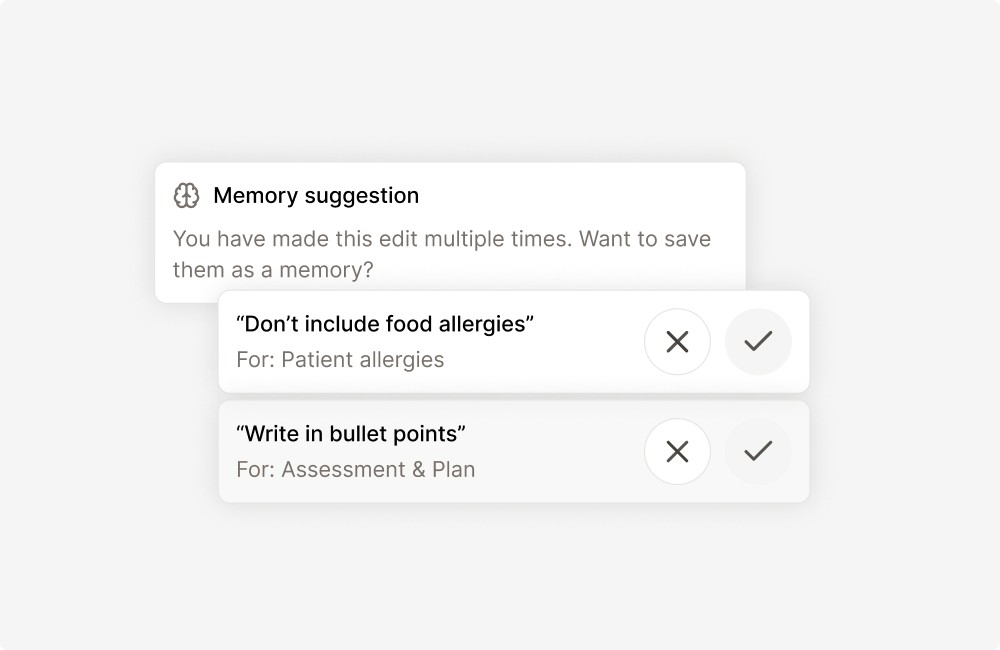
Tandem suggests memories from your Adjustments
Tandem now picks up on how individual clinicians refine their notes through Adjust, and applies those preferences to every new draft. No setup needed. The more you Adjust, the more the notes sound like you from the first version.
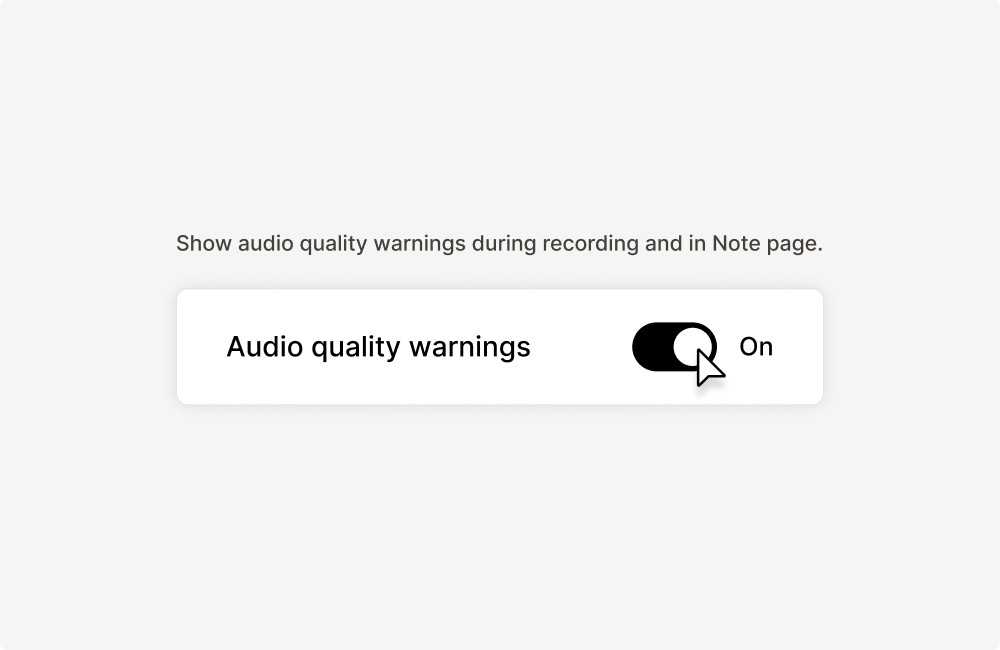
Catch audio quality issues mid-consultation
If the microphone picks up noisy, low or poor audio quality during a recording, Tandem now flags it in real time so the clinician can adjust before the consultation ends, rather than discovering a thin note afterwards.
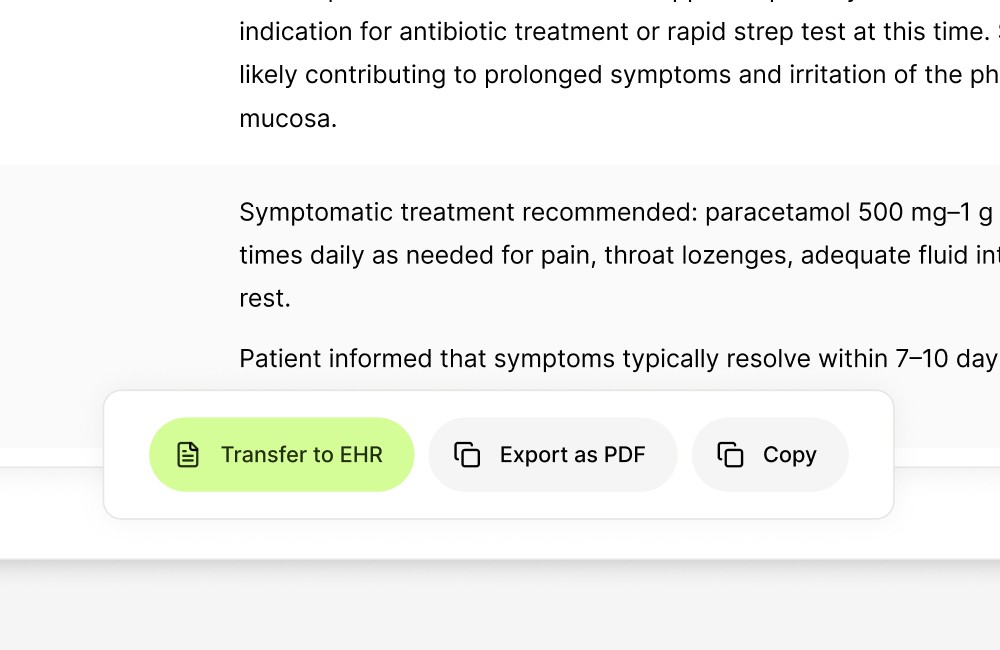
Transfer notes to the medical record system from the secretary inbox
Secretaries can now transfer notes to the medical record system directly from Tandem.
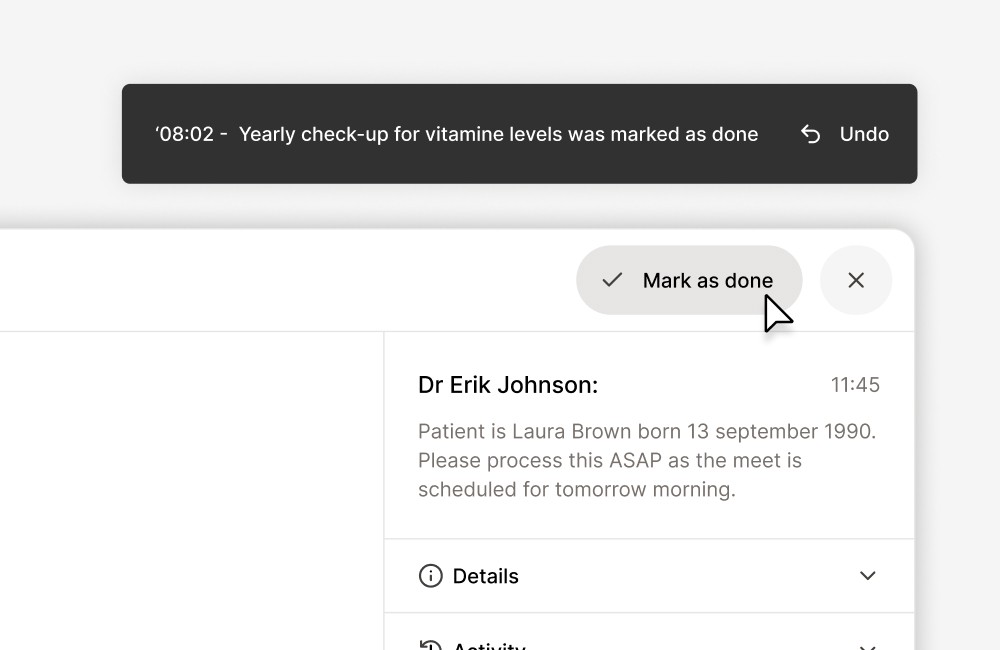
Claim tasks in the secretary inbox
Secretaries can now claim a task in the inbox so the rest of the team can see who's working on what. Claimed tasks show "Claimed by [Name]" to other secretaries and to the clinician. Claims are a signal, not a lock. Anyone can still pick up a claimed task or release it.
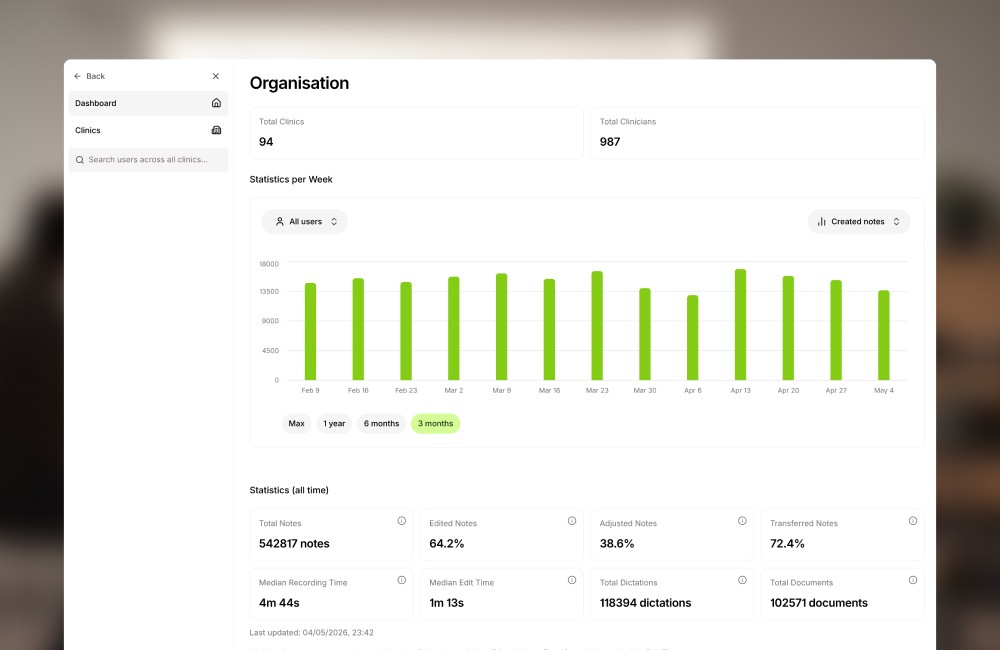
See Tandem usage across your organisation
Clinic admins have a new dashboard showing how Tandem is being used across their organisation: active clinicians, usage trends, and where adoption is strongest. A single view for reporting and for spotting teams that need more support.
Undo any draft edit
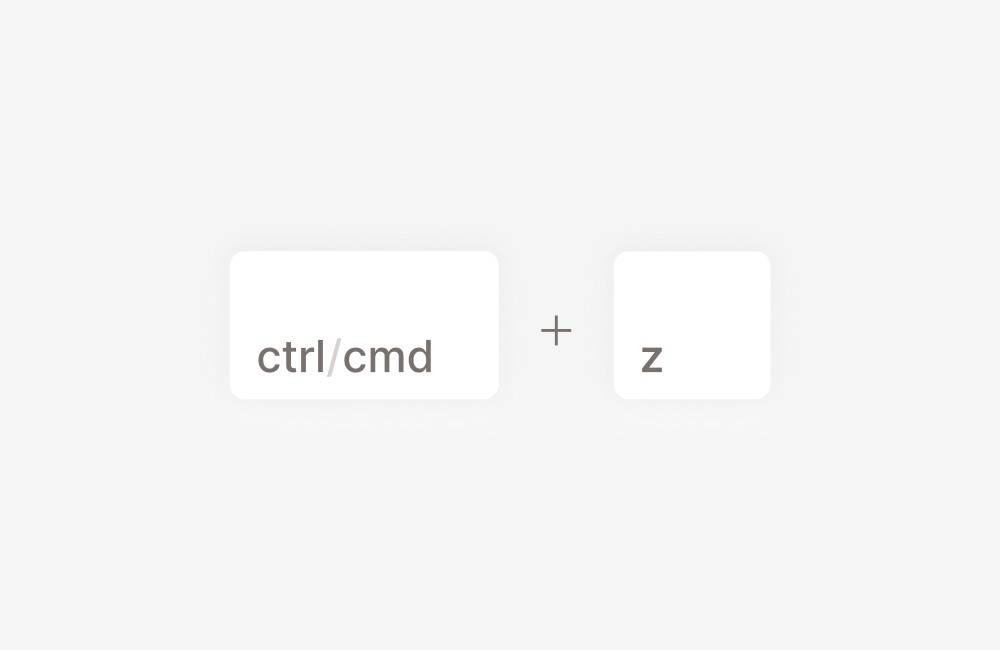
Ctrl/Cmd + Z now steps back through any change you've made to a draft note in the current session. Manual edits, AI adjustments, full regeneration, template changes, and field deletions are all reversible, not just the most recent one. The history resets when you reload the page.
New integrations
New medical record system integrations: Treserva Web, Promedico ASP, and Teladoc Health (Salesforce).