Introducing Personalised Memories: Tandem now learns how you write
Autor:
Tandem Health
·
·
Product update
Every clinician has their own way of documenting a visit. The phrasing, the structure, the level of detail. When the generated note doesn’t quite match how you’d write it yourself, it creates friction. Small edits that repeat across every consultation. A draft that’s close, but never quite right.
Tandem now adapts to how you work, in two ways.
Memories: Tandem learns from what you already do
Memories come in two scopes: your own, and your clinic’s.
Personal Memories
Personal memories tell Tandem how you want your notes written. You can set them yourself: open the Memories panel, write the preference, and every note from that point on reflects it. Useful when you already know what you want, like keeping the assessment brief, or always starting with the chief complaint.
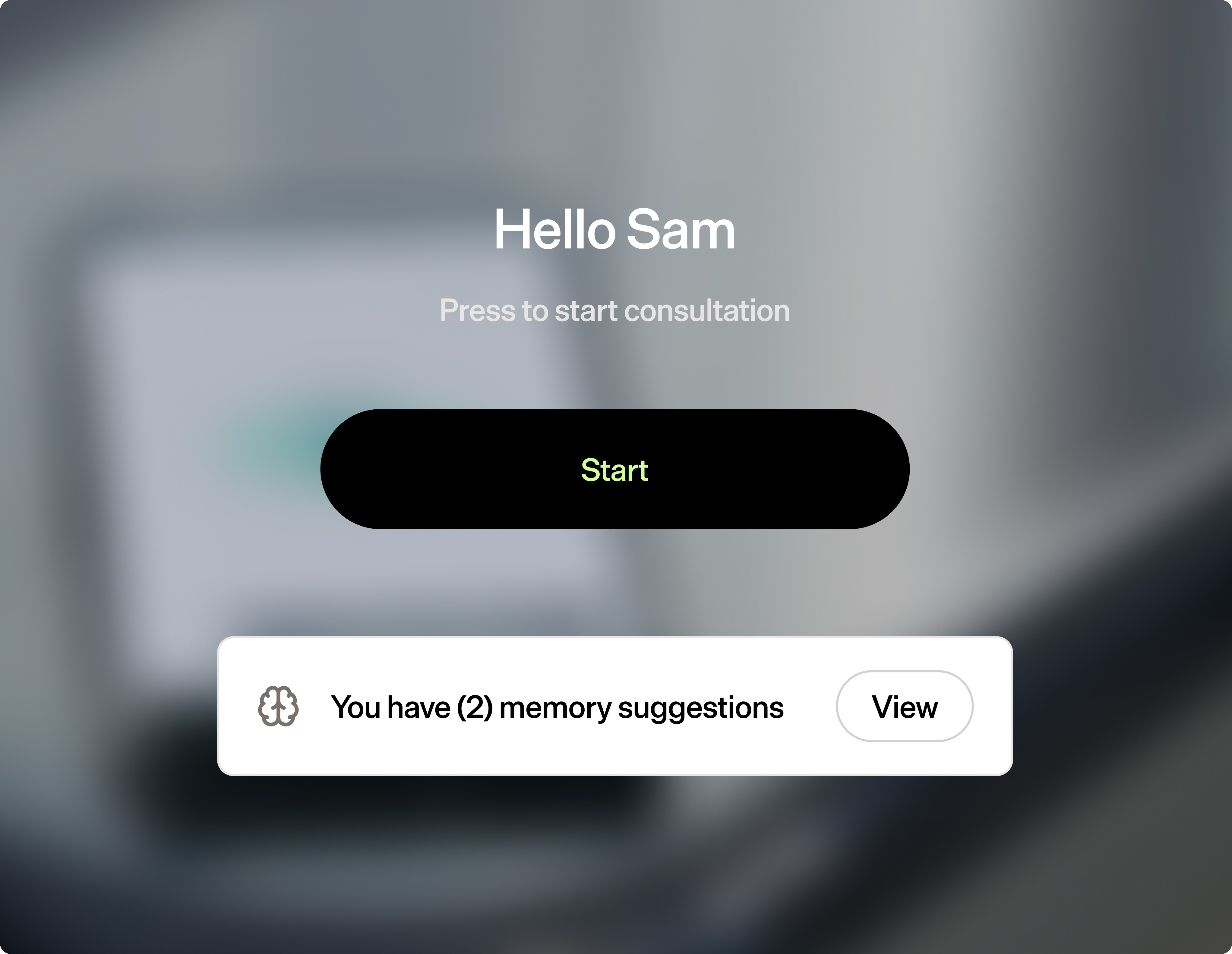
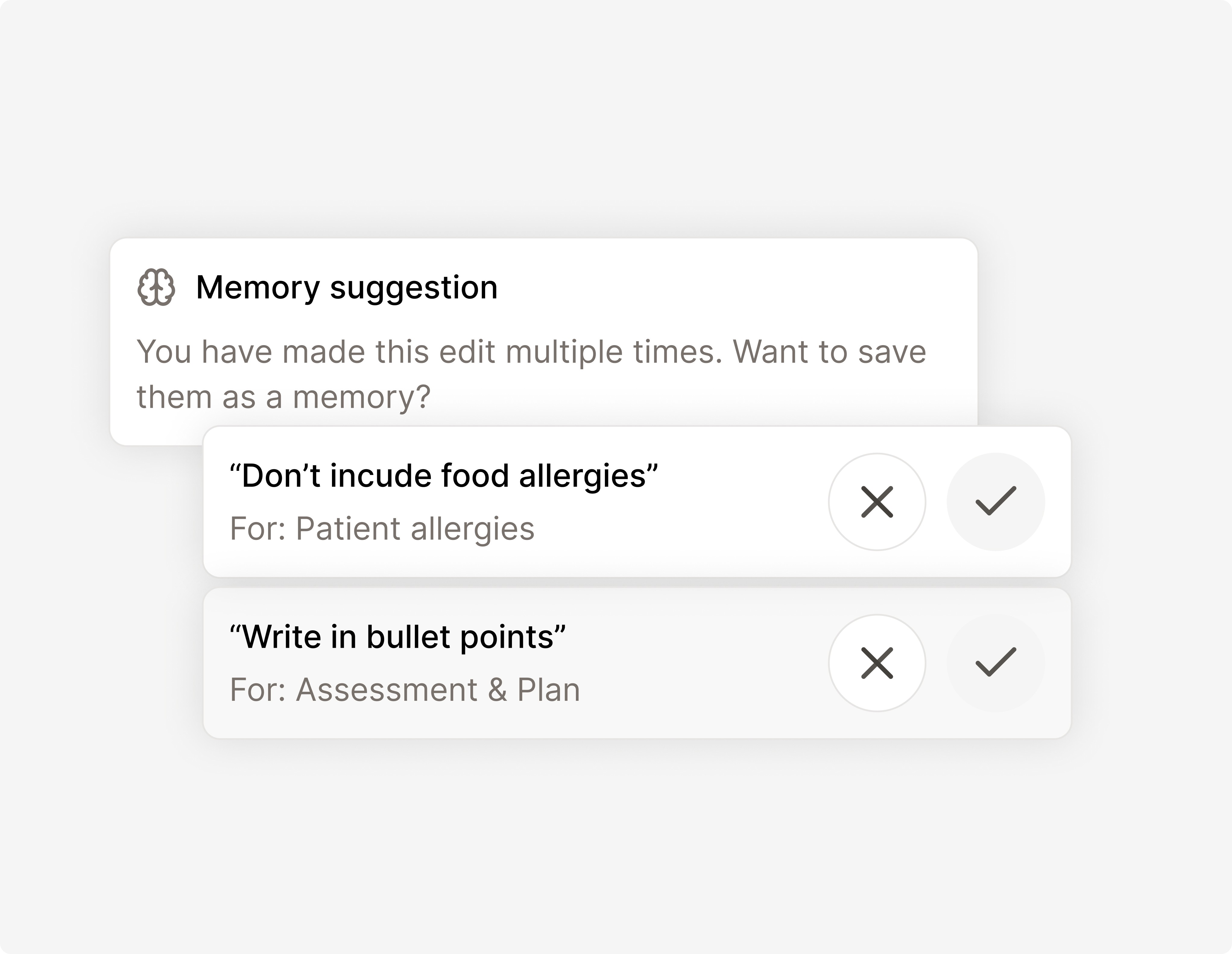
Tandem can also suggest them. It pays attention to how you edit your notes. The adjustments you make, the phrasing you return to, the sections you reorganise. It picks up those patterns and suggests saving them as Memories, so every new draft already reflects how you write.
There’s nothing to configure. If you’ve asked Tandem to use bullet points in the plan three times, it’ll suggest saving that as a Memory. Accept it, and every note from that point reflects it automatically.
Before any suggestion reaches you, Tandem checks whether it might contain patient information. If it does, it’s discarded. You’ll only ever see suggestions that are safe to save. For clinicians who’ve been making the same small edits on every note, that repetition now does something useful. Each edit teaches Tandem how you work.
Clinic Memories
Clinic admins can set Memories that apply across the team, either clinic-wide or for a specific template. So a way of phrasing the plan, or a format your clinic always uses, gets built into every note without each clinician having to save it themselves.
What Memories capture, and what they don't
A Memory can be something simple like "keep the assessment brief" or "use bullet points in the plan." It stores how you want your notes written, never the content of the consultation itself.
This isn't an AI being trained on your data. Memories are stored as plain text and read back the next time you generate a note. The model itself doesn't change. Memories sit inside the same data boundary as the rest of Tandem.
Template Builder: you design the structure
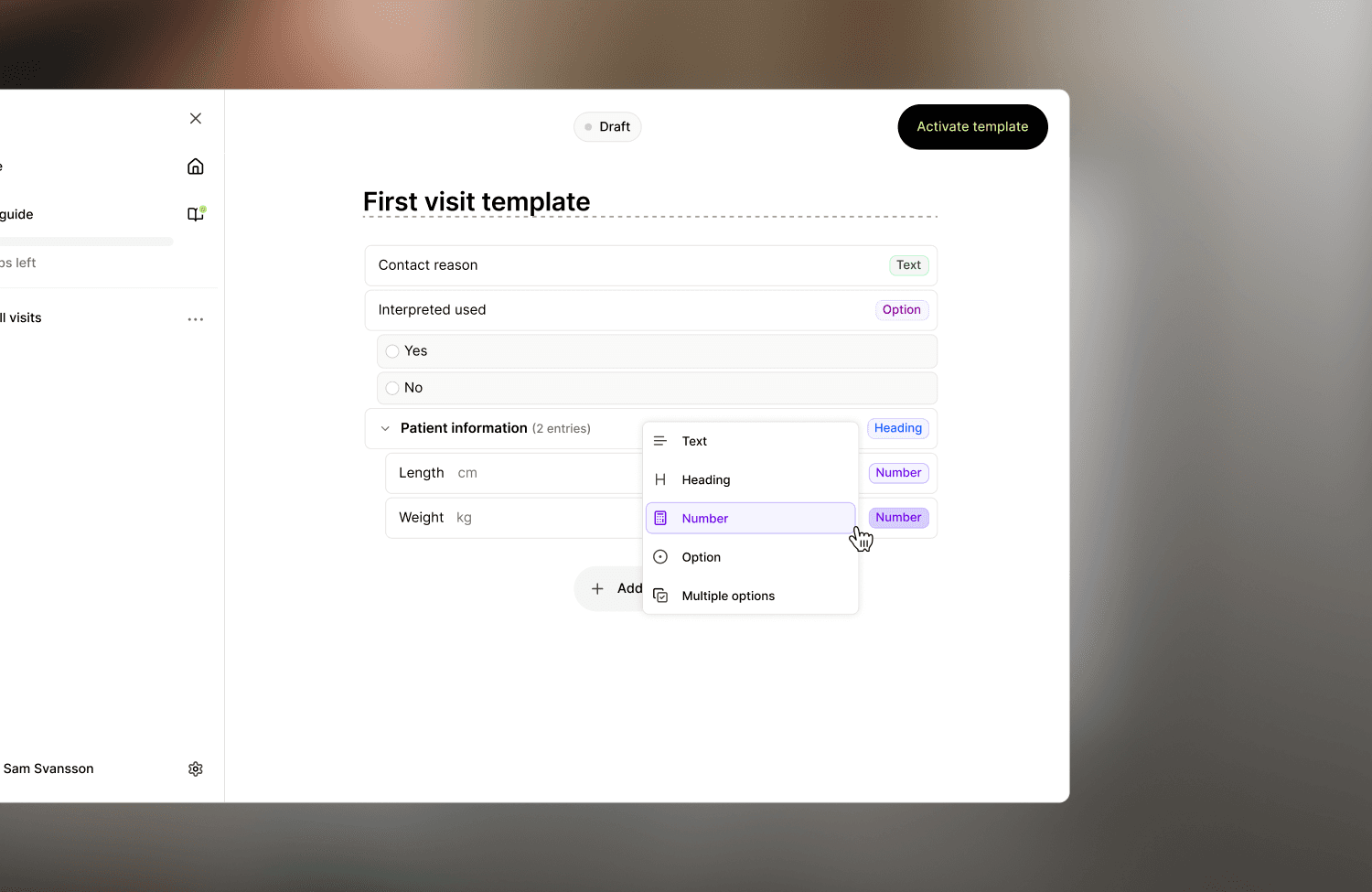
Memories handle your writing style. Template Builder handles how the note is laid out.
You pick the headings, the order, and the language. Once you've set it up, every note Tandem makes follows that layout from the first draft. You can share templates with colleagues too, so a good structure doesn't have to stay with one person.
Memories build up on their own as you use Tandem. Template Builder is the opposite. You set it up yourself, and Tandem follows it.
How they work together
Template Builder works the moment you set it up. You build the structure, and Tandem uses it from the next note on. You can also tweak templates whenever you want, not just at the start.
Memories add your style on top. Templates give Tandem the layout your clinic wants. Memories tell it how you actually write, like the phrasing you go with or the bits you always cut. The more you edit, the more Tandem picks up on, and each new draft lands a bit closer to what you'd have written yourself.
After a while, the draft you open is less something to fix and more something to just sign off.
Control stays with you
Memories shape your draft. Template Builder gives it structure. After that, the review step works the same as it always has.
You still check and approve every note before it goes into the medical record. The final call is yours.
Why personalised notes matter beyond convenience
A note that consistently reflects how you document is one you can review faster and approve with more confidence. That matters when you’re seeing fifteen patients a day. It matters when a note is going into a permanent medical record. And it matters when professional accountability sits with you, not with the AI.
Personalisation also compounds. Each edit you make today shapes the drafts you’ll review next week. The more you use Tandem, the less time you spend correcting it.


