·
Product updates
What’s new: May 2026
Add images and PDFs as context. Split notes by visit reason. Share templates across your organisation. Record on Android offline. Tandem's May update.
Add images and PDFs as context
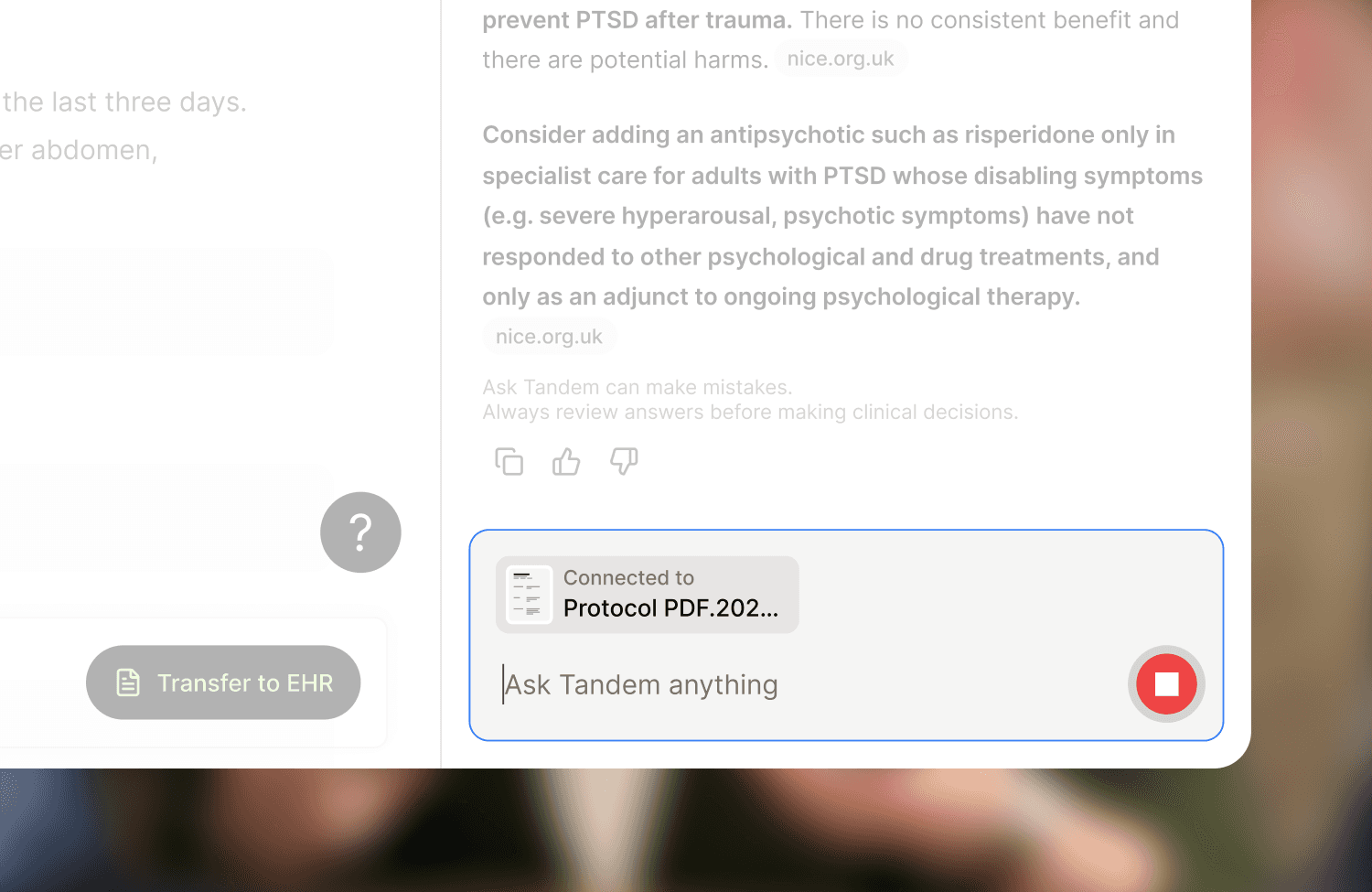
Tandem can now use images and PDFs as additional context when generating a note. Upload a referral letter, a previous note, or a patient's blood pressure log, and Tandem reads the text and uses it in the draft. Raw images and files aren't stored after the note is generated. Currently in early access.
Split a note by reason for visit
Encounters with more than one reason for visit can now produce a separate note per reason. Useful for workflows where each reason needs its own entry, like the Dutch SOEP method or care plans. Rolling out to clinics gradually.
Share templates across your organisation
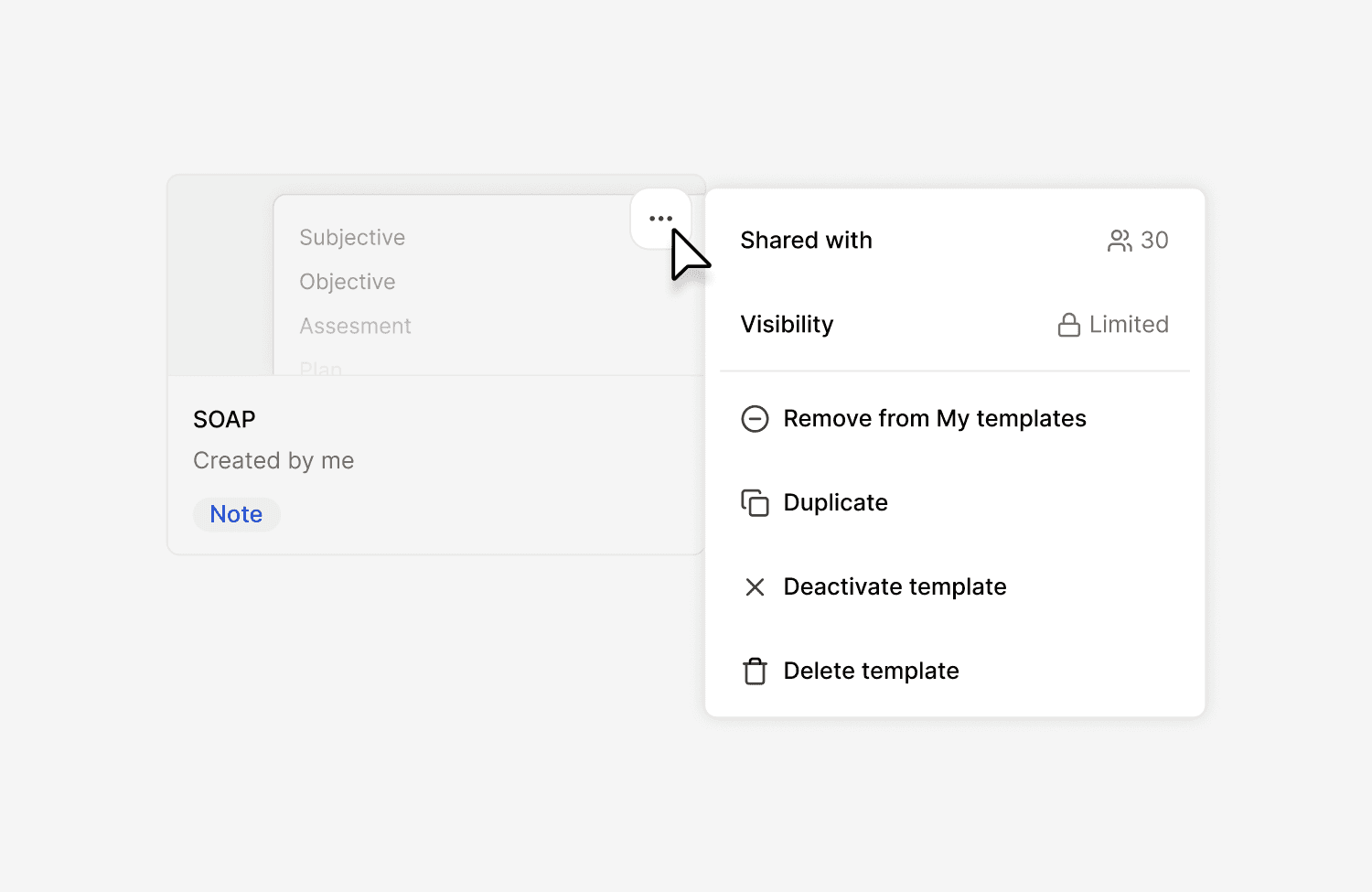
Parent clinic admins can now add templates to a clinic-wide library that automatically inherits down to child clinics. Sharing and activation are also separate now: you can make a template available without forcing every clinician to use it. Currently in early access.
Customise how Tandem names your encounters
Clinic admins can choose how Tandem names encounters across their clinic. Pick one of four presets, or write a custom rule. Each template can also override the clinic default when a particular flow needs something different.
Record on Android, even when offline
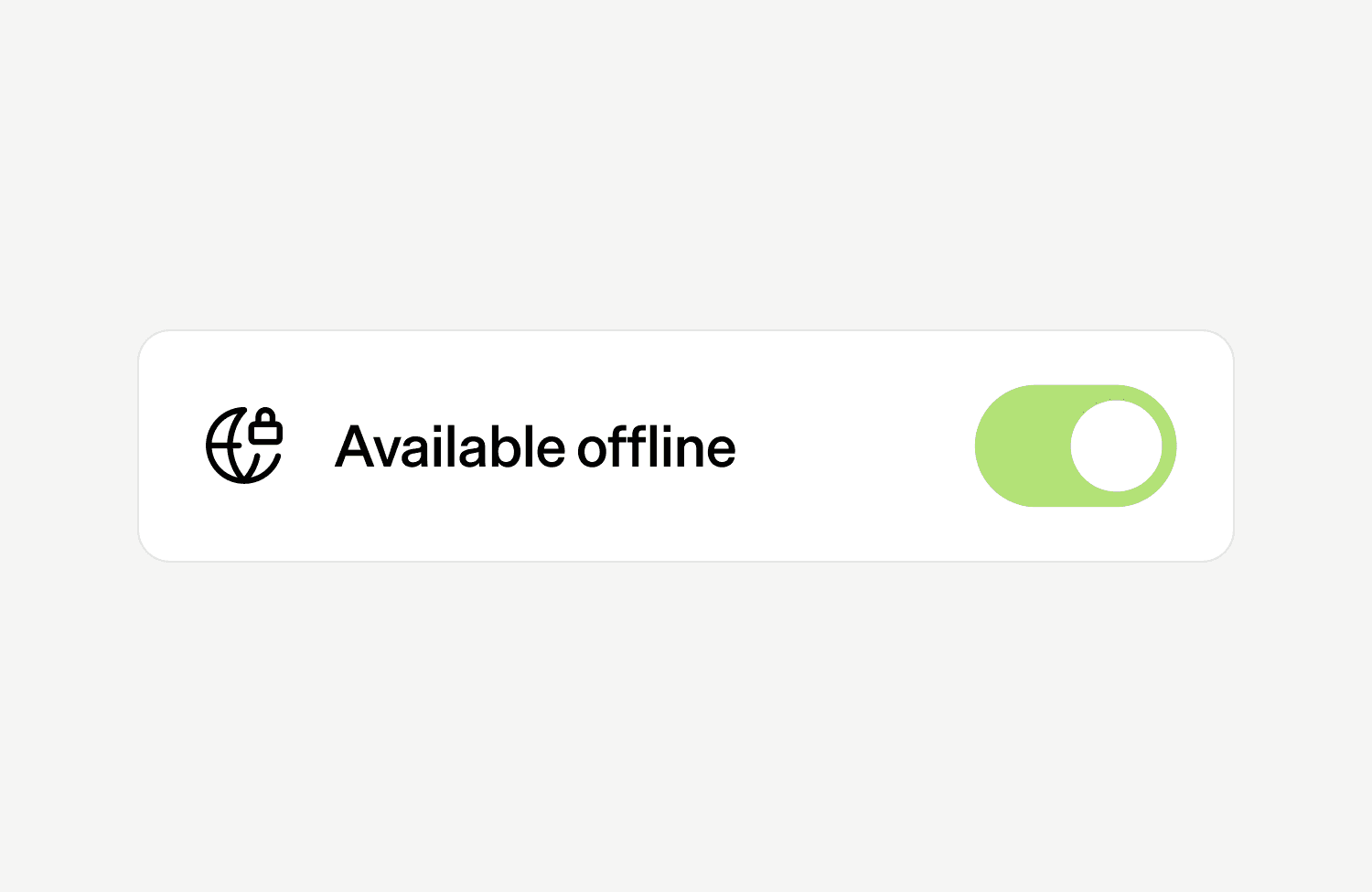
The Tandem Android app is now generally available on Google Play. It records in the background, on a locked screen, and without an internet connection. Audio syncs the next time the device is online. USB microphones and MDM for larger deployments are supported.
Additional improvements
Visit context clarification: when adding extra text alongside a visit, you can now tell Tandem whether it belongs to the current visit or comes from a prior one. Useful when pasting notes from a previous clinician or another setting.
My Clinic dashboard upgrades: new metrics and filters across Weekly overview, Clinic stats, and Clinician stats, including median recording time, Adjust usage per note, and a profession filter.
Use Tandem in Hebrew: Hebrew is now supported across Tandem, including full right-to-left text rendering in the interface.